What is Relote Cloud?
The operator control plane that provisions servers and runs Context Engines for your customers — without ever reading their content.
Relote Cloud is the control plane you use to host and operate Context Engines for other people. Think of it as a Forge-style dashboard, but purpose-built for one job: standing up Context Engines on real servers and keeping them healthy.
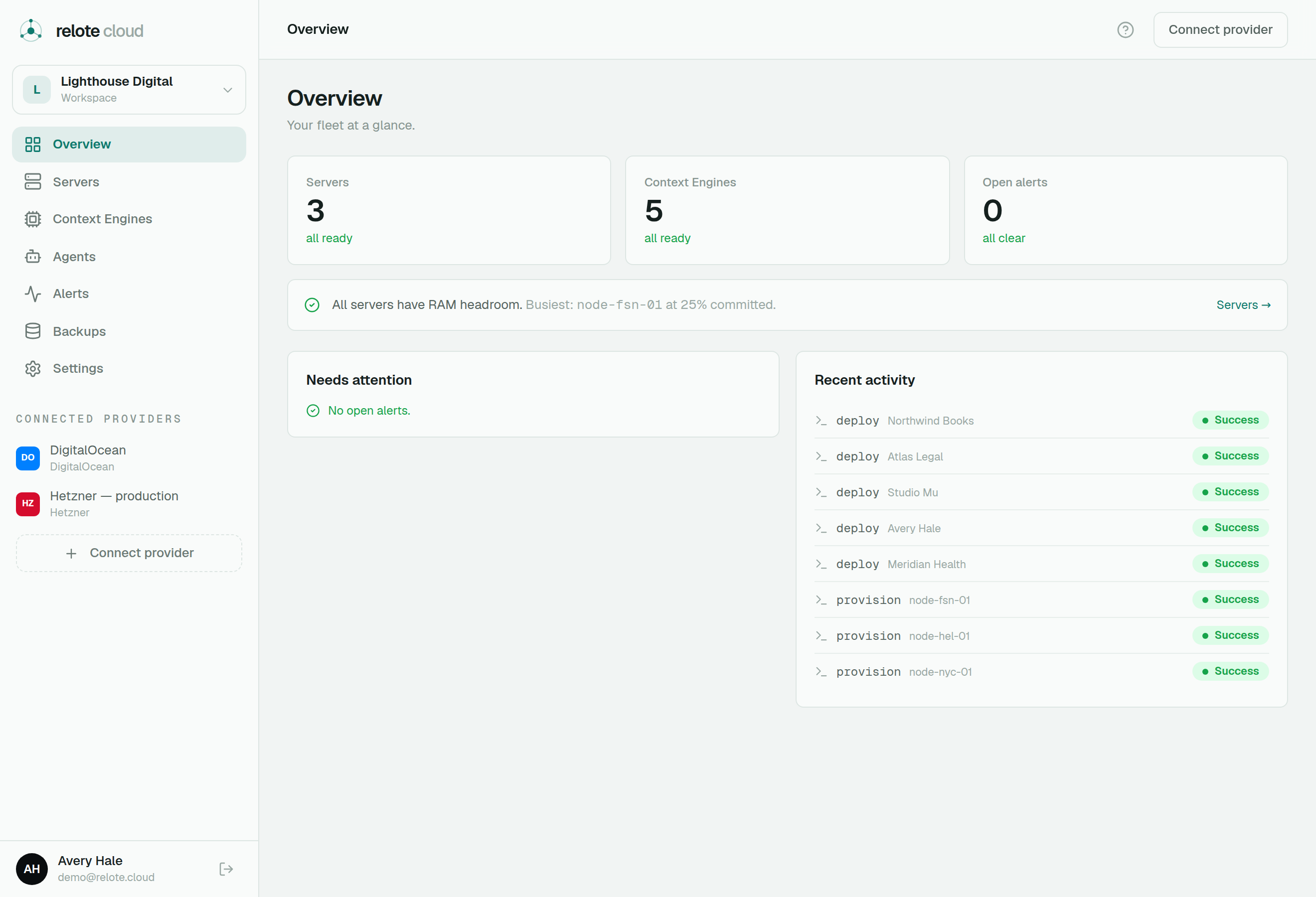
From one place you can:
- Connect a hosting provider (Hetzner, DigitalOcean, or a server you already own) and provision new servers.
- Deploy a Context Engine onto a server in a couple of clicks — each one fully isolated in its own container.
- Operate them — watch health, get alerts, redeploy, upgrade or roll back, and take backups.
- Recover from disaster — restore an engine from a sealed backup, or rebuild it on a brand-new server.
The key idea: you operate, you don't read
Relote Cloud is built so that you can run the infrastructure without seeing what's inside it. The control plane automates installs, upgrades, monitoring and backups, but it has no path to read a customer's content. Backups are sealed before they ever leave the server, and day-to-day operations run through a restricted account that can only touch infrastructure, never data.
That's what makes Relote Cloud safe to offer as a hosting partner: your customers get a managed Context Engine, and you can prove you're not looking inside it.
How the pieces fit
Your Relote Cloud account
  └─ Organization (your workspace)
       └─ Servers (VMs at your provider)
            └─ Context Engines (one isolated container each)
One server can host several Context Engines side by side — typically one per customer or per team. The rest of this guide walks through each step.