Server & engine access (keys & secrets)
Your one-time SSH key and sudo password, and how Relote stores secrets.
When you provision a server, Relote creates an access pack so you always have your own independent way in — separate from Relote's automation.
The access pack
- SSH key — download it once to connect to the server as
rootyourself. Relote keeps its own copy only while it manages the server (that's how every operation runs) and deletes it when you disconnect the server. - Sudo password — shown once, then forgotten. Relote never uses it for its own operations; it's there purely as your fallback. Save it somewhere safe when it's displayed, because it won't be shown again.
This matters: it means you're never locked out of your own machine, and you don't have to depend on Relote to get a shell.
How secrets are stored
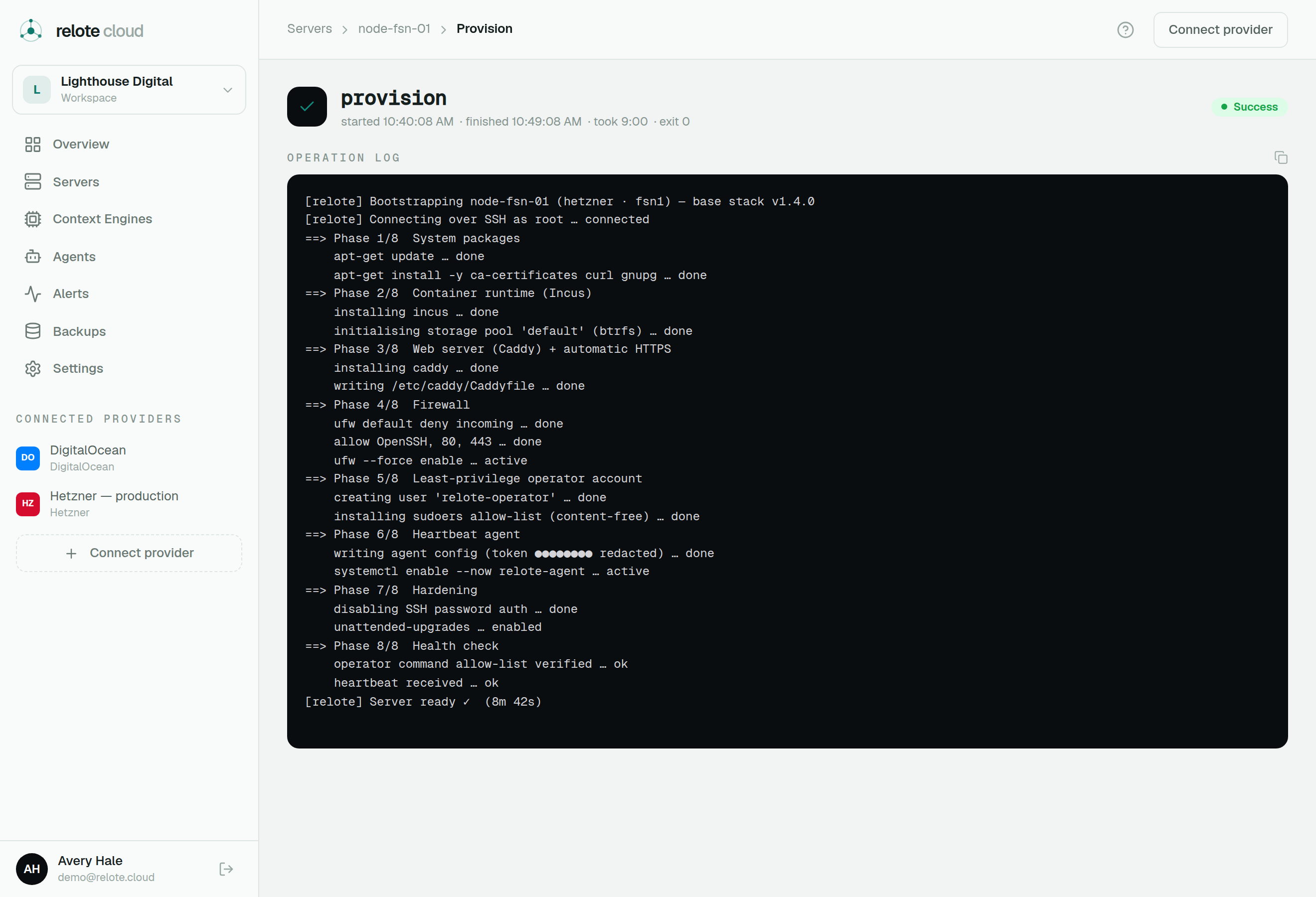
Relote handles several sensitive values — provider tokens, SSH keys, engine recovery keys, and the like. All of them are encrypted at rest and shown to you only at the moment they're created. Operation logs are automatically scrubbed so a secret never appears in the streamed output you watch.
Recovery keys
An engine's recovery key unseals its backups. By default Relote keeps a protected copy so you can recover even if the original is lost, and you can reveal it on demand from the engine's overview. Anyone holding it can open that engine's backups, so store any copy you reveal as carefully as you would a password vault's master key.
A note on master keys
The keys that protect everything are themselves protected by Relote's own master key. Keeping that safe and backed up is what keeps your whole fleet recoverable — so if you self-host the control plane, back it up off-site and test the restore.