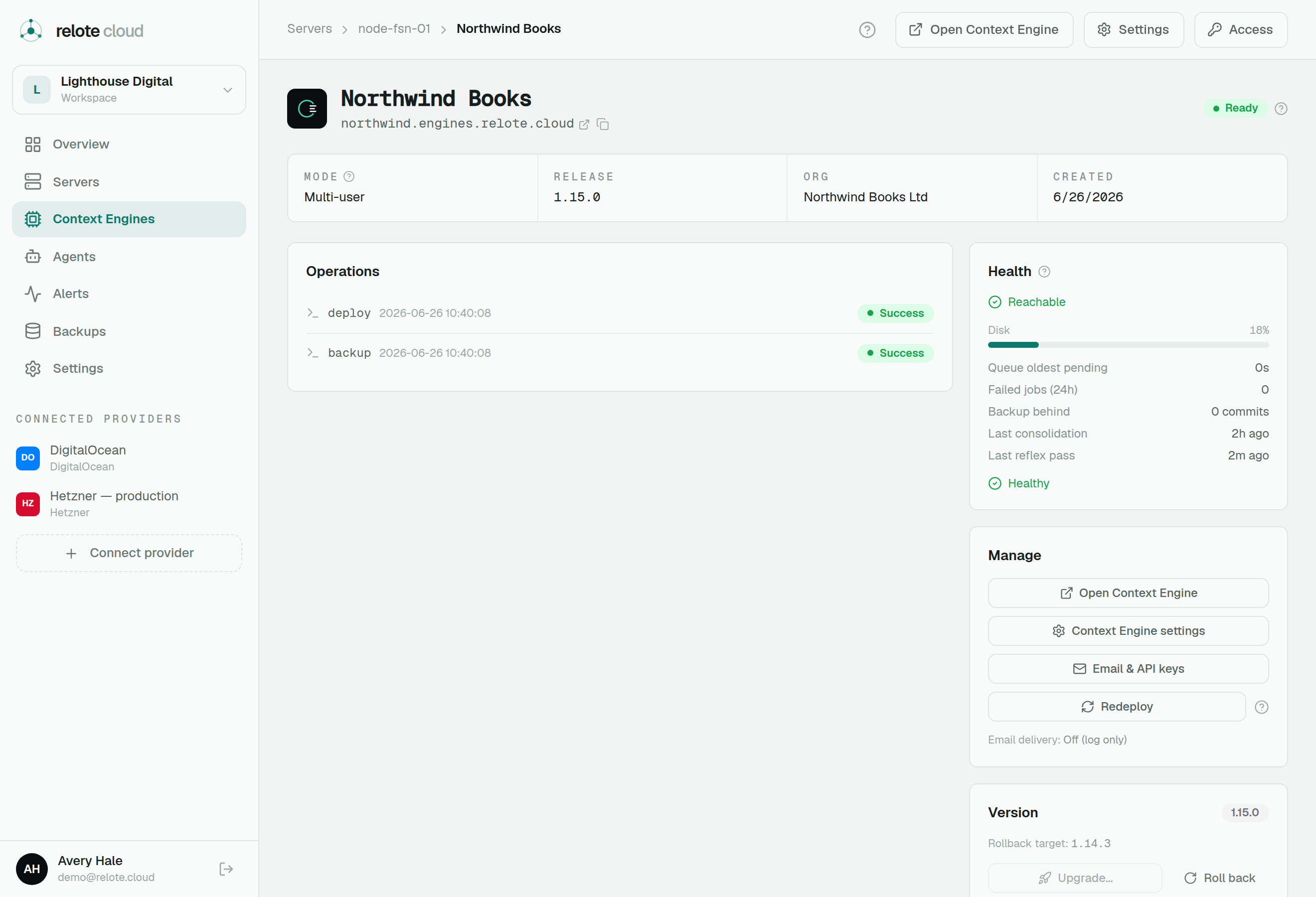
Deploy a Context Engine
Launch an isolated Context Engine onto a server — choosing its mode, address, and email setup.
Once a server is Ready, you can deploy a Context Engine onto it. Each engine is a complete, self-contained installation in its own container — its own database, background workers and web address — serving exactly one person or one team.
Choosing a mode
New engines are multi-user (team): a shared engine for an organization with several members and roles. It carries an org name, and its mode can't be changed later.
Single-user (personal) engines are no longer sold. Existing ones keep running unchanged.
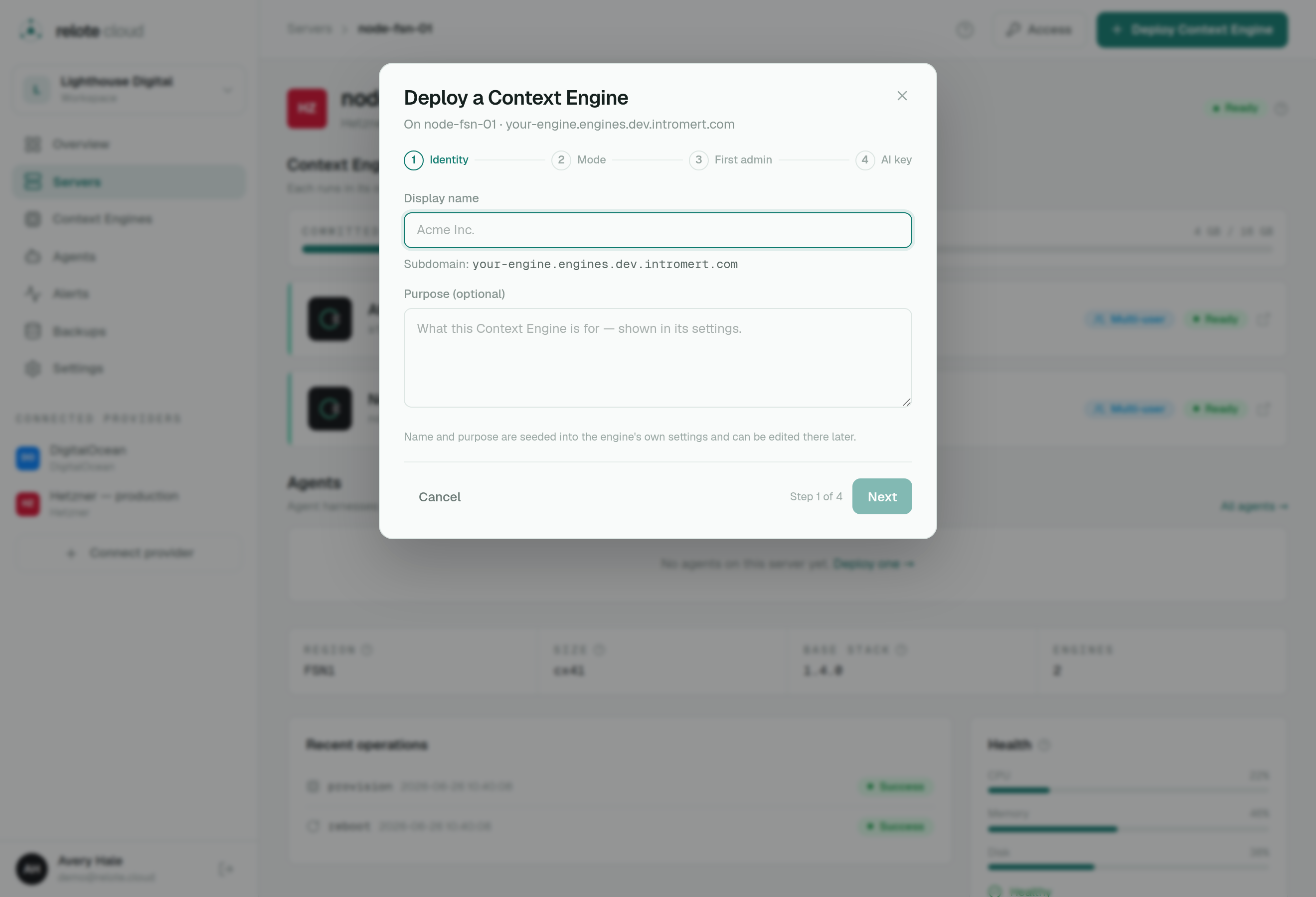
The engine's address
Every engine gets its own subdomain with automatic HTTPS — a stable web address you can hand to the customer. If you later move the engine to a different server (for example during disaster recovery), that customer-facing address follows the engine, so their bookmark keeps working.
Email (optional)
Engines can send email (invites, notifications). You can set this up per engine later from the Email & API keys panel:
- Relote-managed — the simplest option; Relote relays the engine's mail for you. (Available on recent engine versions.)
- Your own SMTP — point the engine at your mail provider.
- Off — no outbound email.
Either way, Relote's mail relay is content-blind — it forwards the message without storing or reading it.
Watching it come up
Deployment runs as a streamed log, just like server provisioning, ending in a health check. When it goes green, the engine is live and reachable at its address. The first time, you'll also be offered a one-time recovery key — save it (see Backups & recovery).
Daimon (v2): Ready, but with setup left to do
A Daimon (v2) engine boots to Ready on infrastructure health (HTTP + database), but it won't actually reason until you finish a few steps inside the engine, from its own Systems page. The control plane shows a "Setup required" banner on the engine until you've:
- Signed in the Claude subscription — the engine's core reasoning runtime;
- Added an OpenAI API key — embeddings and audio transcription;
- (optional) connected Telegram for the chat bridge.
Until then the engine is running but dormant — green health does not mean it's doing work yet. (Older, pre-Daimon engines collected these at deploy instead.)