Provision a server
What happens when you create a server, what gets installed, and how it's hardened from the first minute.
A server is a virtual machine that will host one or more Context Engines. Create one from the Servers page: pick the provider, a region, and a size. Sizes start at a 4 GB minimum (a Context Engine plus host overhead needs the headroom) and the list is filtered to what the chosen region actually sells, so you can't pick an unavailable combination.
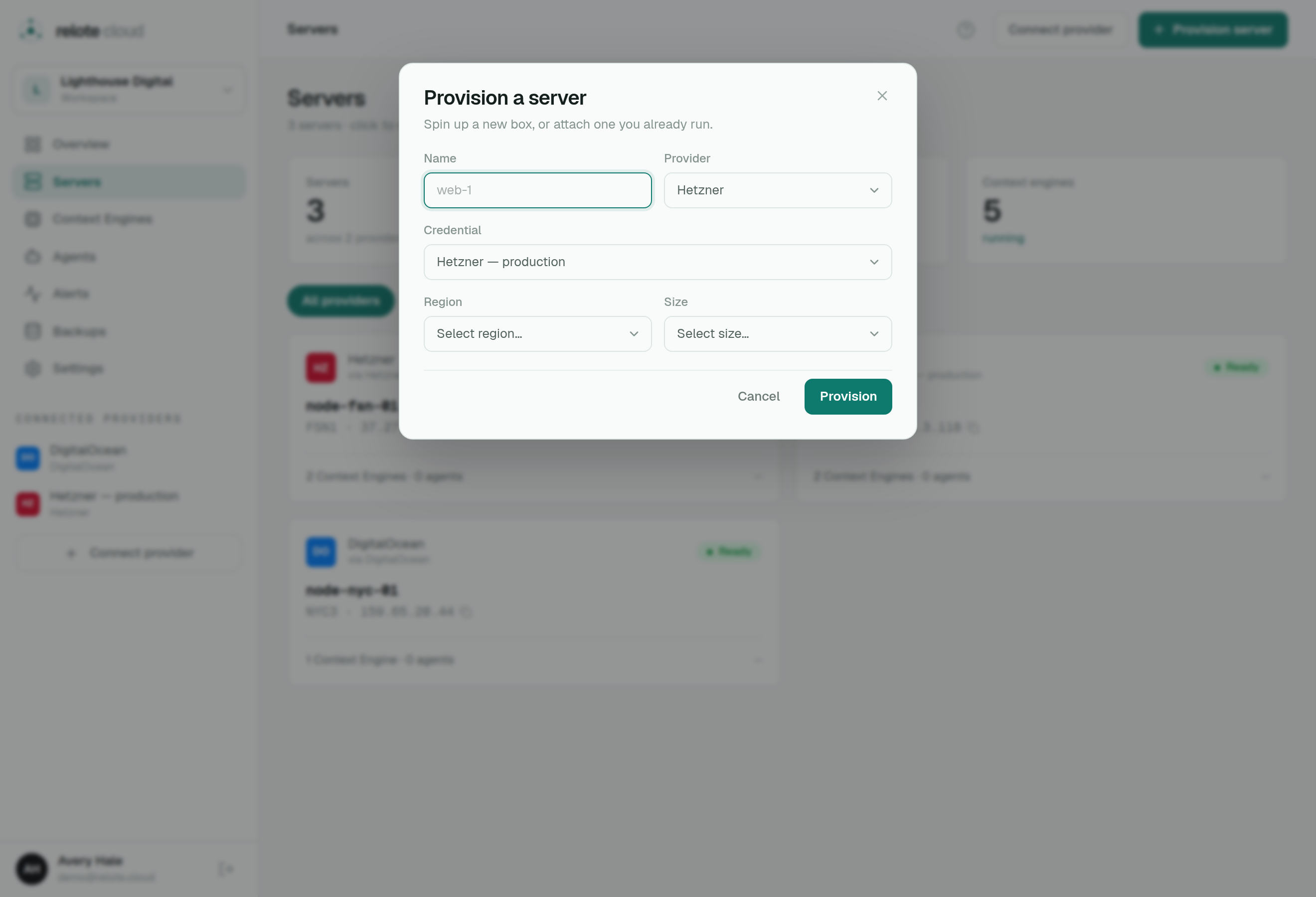
What Relote sets up for you
When provisioning runs, Relote connects to the new machine and prepares it end to end. You watch the whole thing as a live, streamed log. By the time it reads Ready, the server has:
- A container runtime so each Context Engine runs fully isolated from the others.
- A web server that automatically gets HTTPS certificates for each engine's address.
- A firewall locked down to just what's needed.
- A least-privilege operator account plus a strict allow-list of the only commands Relote is ever permitted to run — none of which can read engine data.
- A small heartbeat agent that reports basic health (like disk space) back to Relote.
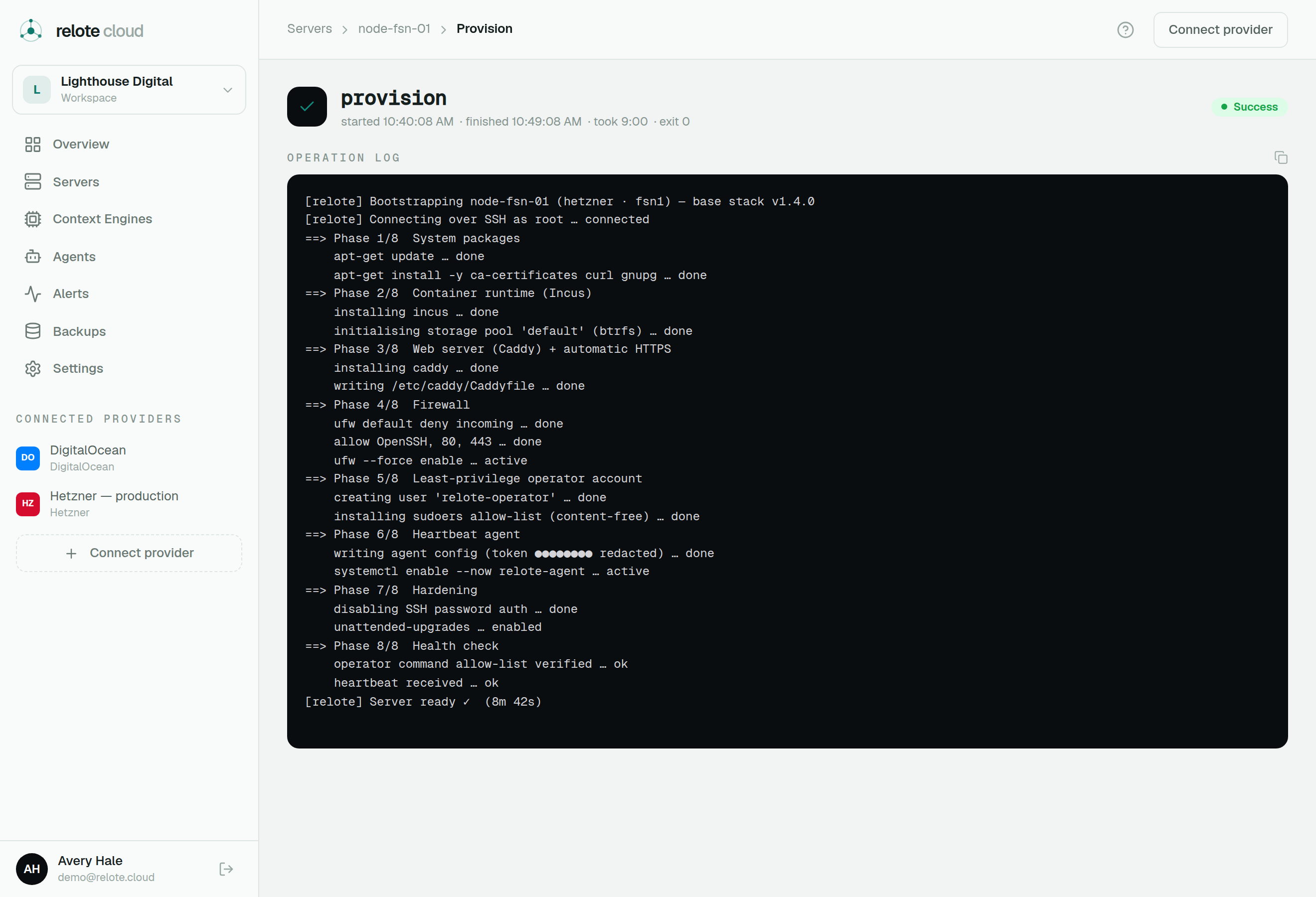
Hardened from day one
Provisioning is the one moment Relote needs deep (root) access to set the machine up. After that, steady-state operations drop down to the restricted operator account. Everything Relote does afterwards — deploys, upgrades, backups, health checks — goes through that account and its fixed command allow-list. This is what backs the promise that Relote operates your servers without being able to read what's on them.
Capacity
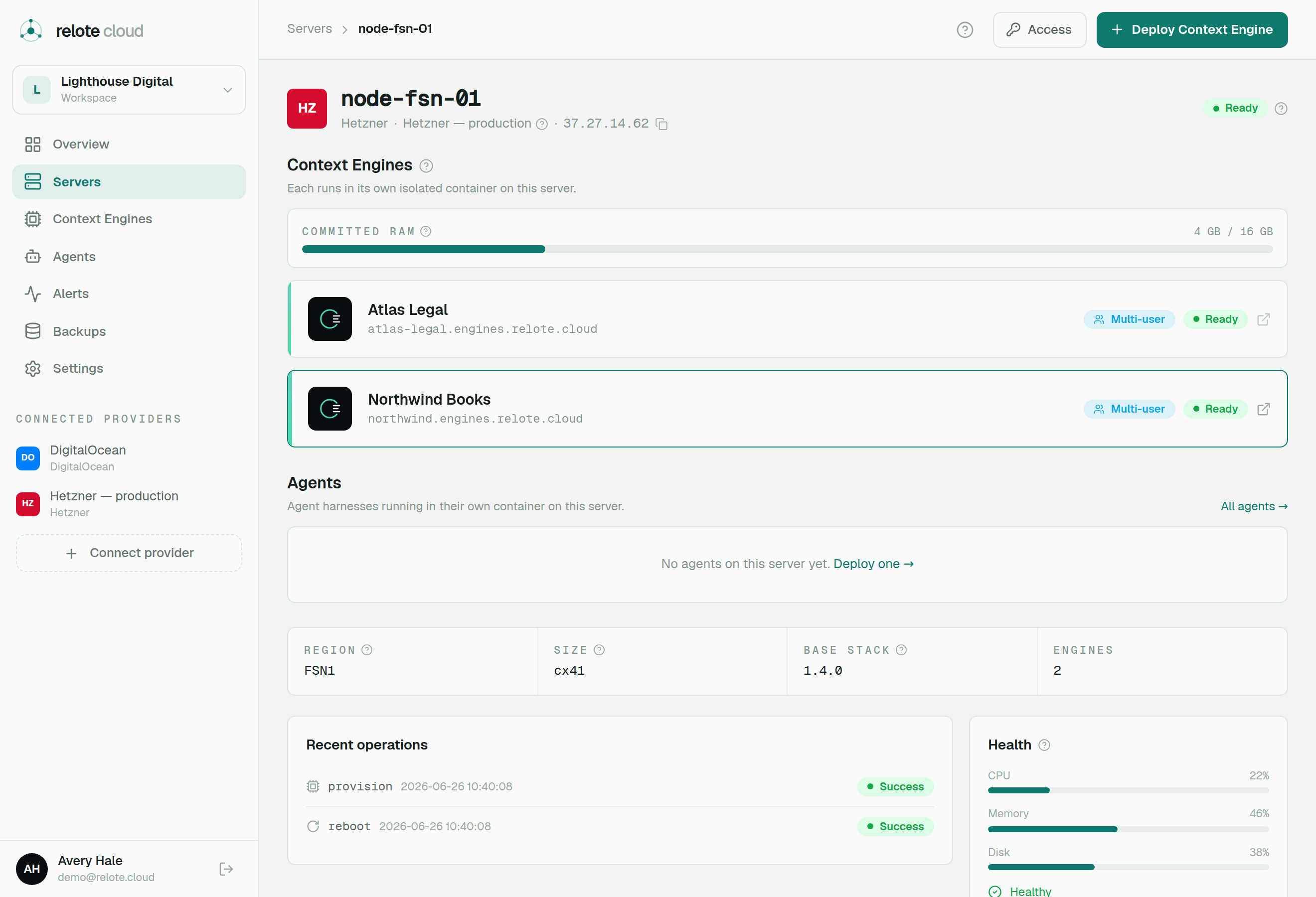
Each Context Engine reserves a slice of the server's memory based on its mode. The server page shows committed RAM — the total reserved across all its engines versus the machine's memory — so you can see how many more engines a server can comfortably hold. Relote warns you before you overcommit, but won't block you.
Important
Provisioning reconfigures the machine's web server and firewall, so only ever point Relote at a server that's dedicated to this purpose — never a box that's already running other sites.