Organizations & members
Workspaces, the three member roles, and how your team is invited.
Everything in Relote Cloud lives inside an organization — your workspace. An organization owns its own servers, Context Engines, providers and members, kept completely separate from every other organization.
You can belong to more than one organization (for example, one per client or business unit) and switch between them from the menu at the top of the sidebar. New organization in that menu creates a fresh, isolated workspace.
Roles
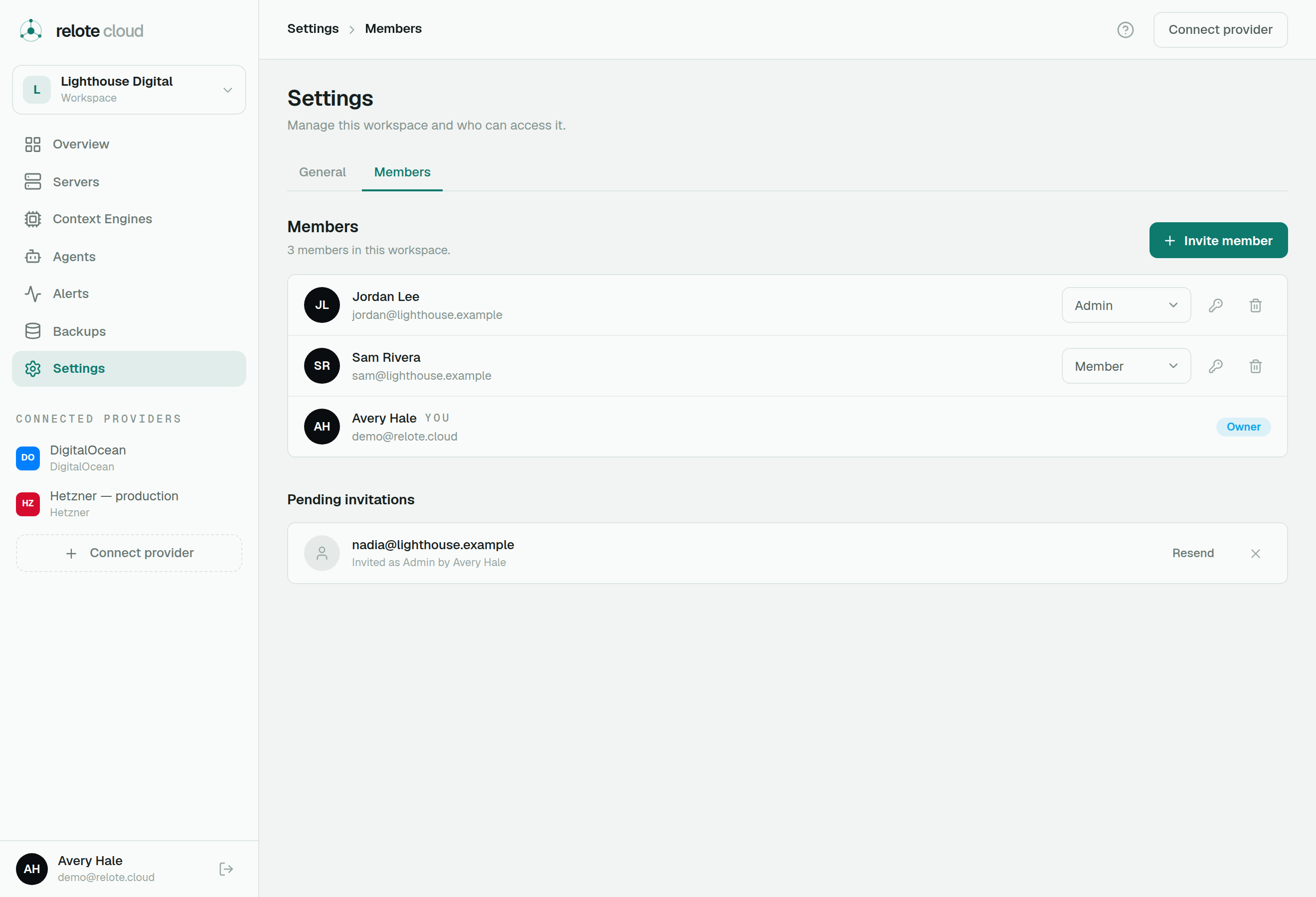
Every member has one of three roles:
- Owner — full control, including billing, deleting the organization, and transferring ownership. There is always at least one owner.
- Admin — can manage all infrastructure (provision servers, deploy and operate engines) and manage members, but can't remove owners or delete the organization.
- Member — read-only. Members can see servers, engines and alerts, but can't change anything. Useful for stakeholders who need visibility without the keys.
Inviting people
Relote Cloud is invite-only, and only Relote staff send invitations. To add a teammate, ask your Relote contact. The teammate receives an email with a link to join. For security:
- The invite is tied to a specific email address — only that address can accept it.
- Owners and admins can revoke a pending invitation from Settings → Members any time before it's accepted.
Guardrails
Some actions are protected so an organization can never lock itself out:
- There must always be at least one owner.
- Admins can't change or remove owners.
- An owner can only step down by transferring ownership to someone else first.