Troubleshooting & FAQ
Quick answers to the things operators ask most.
A provisioning or deploy log failed — what now?
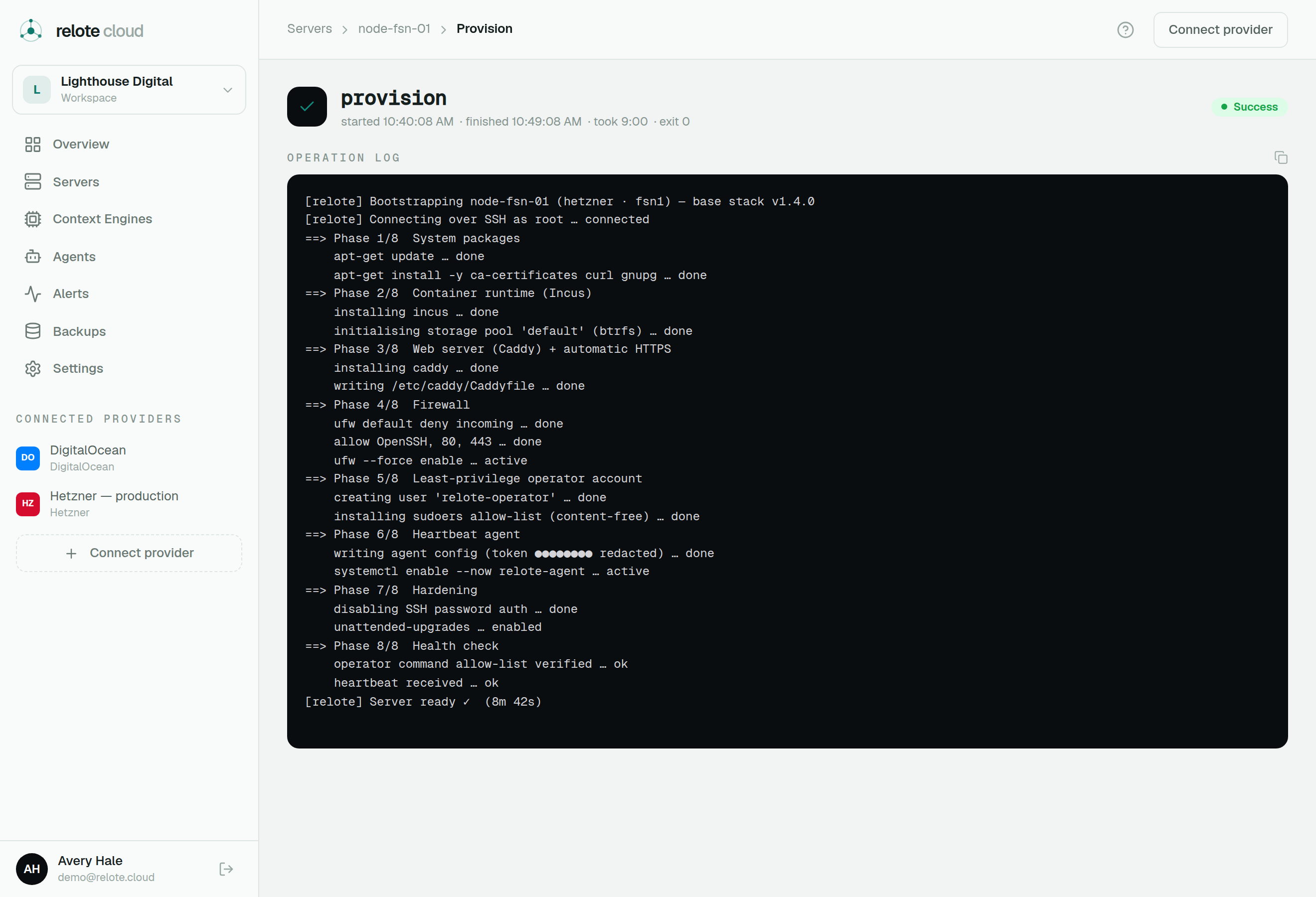
Open the operation and read the streamed log; it stops at the step that failed and usually says why. Common causes are an expired provider token, a server that ran out of disk, or a transient network issue. Many operations are safe to retry once the cause is fixed.
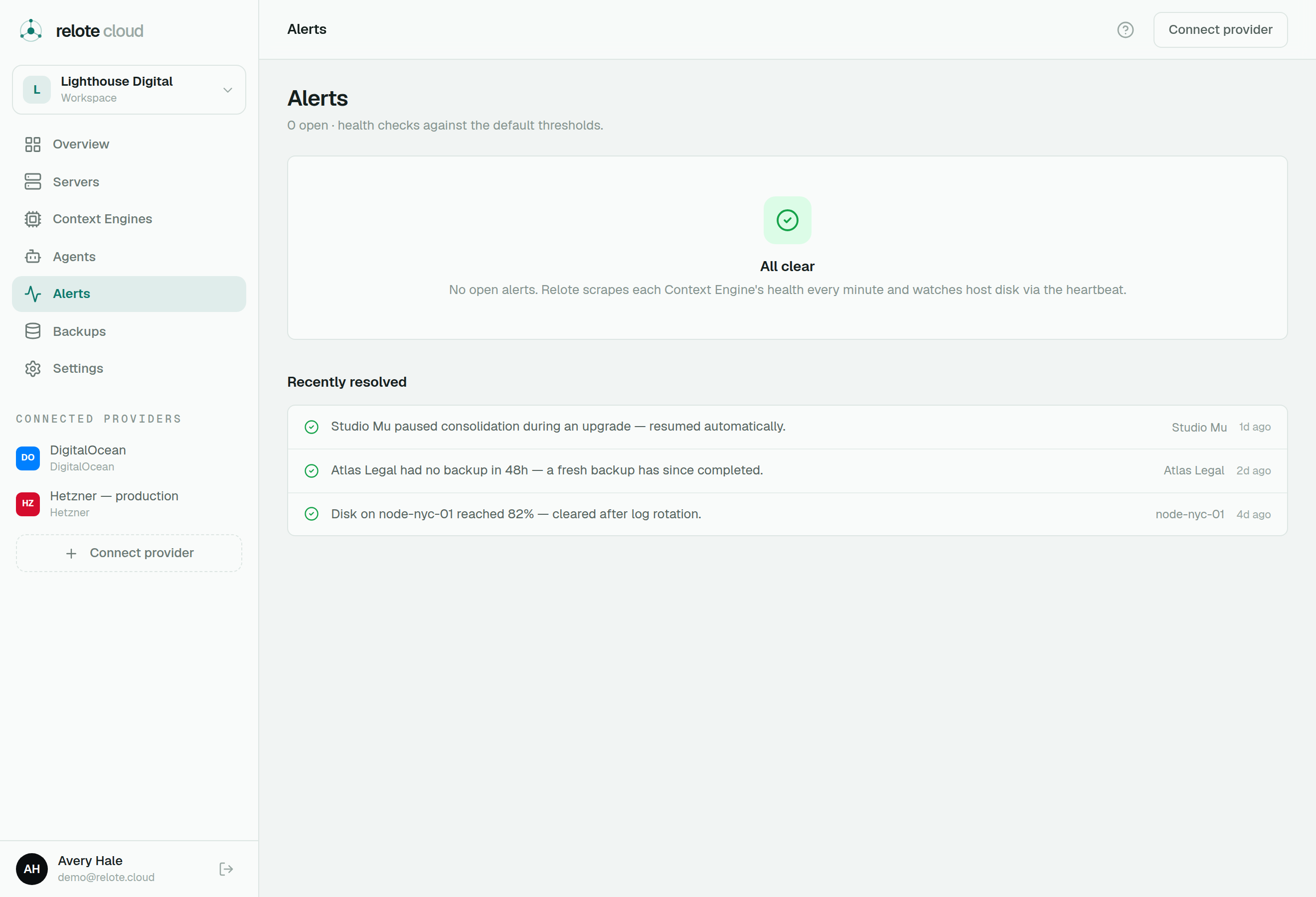
An engine is showing an alert but looks fine
That's exactly what alerts are for — a subject can look healthy on the surface while something is wrong underneath (for example, an engine that's up but has quietly stopped processing work). Open the Alerts page and follow the recommended action.
I upgraded an engine and it broke
Relote health-checks upgrades and auto-rolls-back a version that comes up broken, so the engine should already be back on its previous version. If you rolled forward intentionally and want to undo it, use Roll back on the engine's page.
How do I move an engine to another server?
Use new-instance recovery from a backup: provision the engine fresh on the target server and load the latest backup. The customer-facing address moves with it. See Backups & recovery.
I disconnected/deleted a bring-your-own server — did I lose the machine?
No. Relote didn't create BYO servers, so it never destroys them. Disconnecting only removes Relote's management; the machine is still yours at your provider.
Can Relote (or I, as operator) read a customer's content?
No. Routine operations run through a restricted account that can't read engine data, and backups are sealed before they leave the server. The only path inside is the deliberate, authorized, time-boxed, recorded break-glass flow. See Security & data sovereignty.
Where are recovery keys?
On each engine's overview you can reveal its recovery key from escrow. Keep any copy you take as carefully as a password vault's master key.
Still stuck?
Reach out to the Relote team with the organization, the engine, and the operation log link — that's usually all that's needed to diagnose quickly.